20
Whats My IP
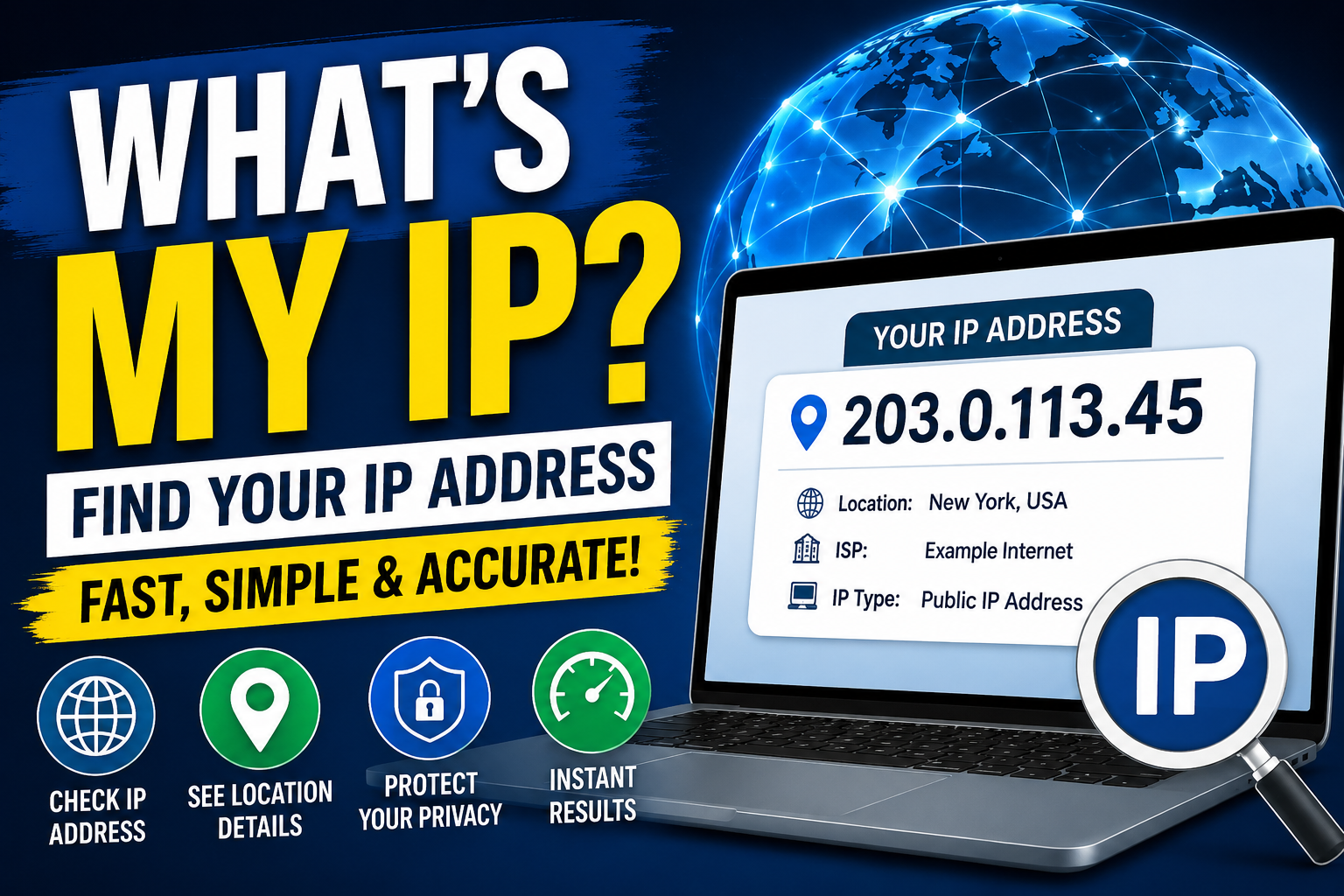
“Whats My IP” is a simple online tool or search query that helps users instantly find their public IP address. An IP address is a unique identifier assigned to every device connected to the internet, allowing websites and online services to recognize and communicate with it. People use IP lookup tools for troubleshooting network issues, setting up remote access, checking location details, and improving online security awareness. While an IP address does not directly reveal personal information, it can show general location details, which is why many users prefer using VPNs for privacy protection.
In today’s connected world, almost every device we use—mobile phones, laptops, tablets, smart TVs—has something called an IP address. If you’ve ever searched “What’s my IP?”, you’re not alone. Millions of users look it up every day to understand how their internet connection is identified online.
In this blog, we’ll break down what an IP address is, why it matters, how to find it, and what you should know about privacy and security.
🌐 What Is an IP Address?
An IP address (Internet Protocol address) is a unique identifier assigned to every device connected to the internet.
Think of it like a digital home address:
- It tells websites where to send information
- It identifies your device on a network
- It enables communication between devices worldwide
There are two main types:
- IPv4 (e.g., 192.168.1.1)
- IPv6 (a newer format designed for more devices)
🔍 Why Do People Search “What’s My IP?”
People usually search for their IP address for several reasons:
- To check their internet identity
- To troubleshoot network issues
- To set up gaming servers or remote access
- To configure VPNs or proxies
- To improve online security awareness
It’s a simple query, but it reveals important technical information about your connection.
🧭 How to Find Your IP Address
You can find your IP address in a few seconds:
Method 1: Google Search
Just type:
“What is my IP”
Google will instantly display your public IP.
Method 2: Using a Website
Many websites show your IP along with extra details like location and ISP.
Method 3: On Your Device
Windows:
- Open Command Prompt
- Type ipconfig
Mac:
- Go to System Settings → Network
Mobile:
- Check Wi-Fi settings
🌍 Public IP vs Private IP
It’s important to understand the difference:
Public IP
- Assigned by your internet provider
- Visible to websites and online services
- Used to identify you on the internet
Private IP
- Used inside your home or office network
- Assigned by your router
- Not visible outside your local network
🔐 Is My IP Address Safe?
Your IP address alone doesn’t reveal personal details like your name or exact home address. However:
- It can reveal your approximate location (city/region)
- Websites can track your activity using it
- Hackers may attempt targeted attacks if exposed
That’s why many users use VPNs for privacy.
🛡️ How to Protect Your IP Address
If you care about privacy, here are some simple tips:
- Use a VPN (Virtual Private Network)
- Avoid unknown public Wi-Fi networks
- Enable firewall protection
- Keep your router secure with strong passwords
- Use private browsing when needed
🚀 Final Thoughts
Searching “What’s my IP” is more than just curiosity—it’s a step toward understanding how the internet identifies and connects your device. While your IP address is essential for online communication, being aware of it helps you stay secure and informed.
If you’re exploring digital tools or improving your online privacy, learning about IP addresses is a great starting point.
Contact
Missing something?
Feel free to request missing tools or give some feedback using our contact form.
Contact Us