21
Ping
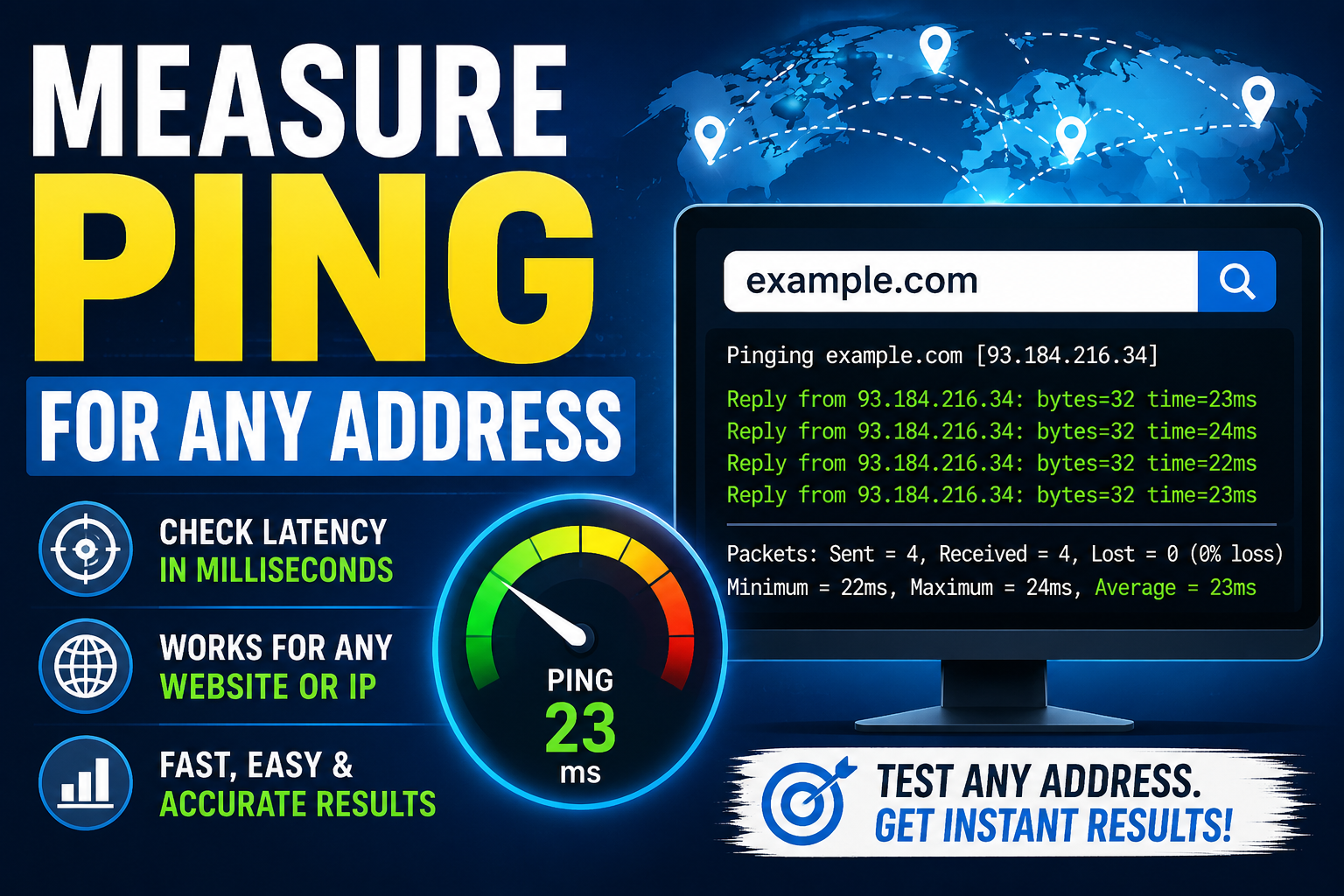
Measuring ping for any address helps users evaluate network performance and internet connection quality. Ping is a network utility that measures the time it takes for data to travel between a device and a server, usually displayed in milliseconds (ms). Lower ping means a faster and more responsive connection. Users can measure ping using Command Prompt on Windows, Terminal on macOS/Linux, or online ping testing tools by entering a domain name or IP address. Ping testing is useful for troubleshooting internet issues, monitoring server performance, improving online gaming, and checking website availability. Common causes of high ping include slow internet, network congestion, weak Wi-Fi signals, long server distances, and overloaded servers. To reduce ping, users can restart their router, use Ethernet connections, close background apps, and connect to nearby servers. Overall, regular ping testing helps maintain a stable, reliable, and efficient internet connection for gaming, streaming, remote work, and general online activities.
In today’s digital world, internet speed and connection quality play a major role in online communication, gaming, video streaming, and business operations. One of the simplest yet most powerful tools for checking network performance is Ping. Whether you are troubleshooting a slow website, testing server response times, or checking your internet connection, measuring ping for any address can provide valuable insights.
This guide explains what ping is, how it works, why it matters, and how you can measure ping for any address easily.
What is Ping?
Ping is a network utility used to test the communication between your device and another device or server over the internet or a local network. It measures the time it takes for a small packet of data to travel from your computer to a target address and back again.
The result is usually displayed in milliseconds (ms).
Lower ping values indicate a faster and more responsive connection, while higher values may suggest network delays or connectivity issues.
Why Measuring Ping is Important
Measuring ping helps users understand the quality and speed of their network connection. It is especially useful for:
- Checking website or server availability
- Diagnosing internet connection problems
- Monitoring server performance
- Improving online gaming experience
- Testing network latency for VoIP or video calls
- Troubleshooting packet loss issues
For businesses, developers, and IT professionals, ping testing is an essential part of network management and server monitoring.
How Ping Works
When you send a ping request, your device sends an ICMP (Internet Control Message Protocol) Echo Request packet to the target address.
The target server responds with an ICMP Echo Reply packet.
The ping tool then measures:
- Response Time (Latency) — Time taken for the round trip
- Packet Loss — Lost data packets during transmission
- TTL (Time to Live) — Number of network hops allowed
Understanding Ping Results
Here’s a quick overview of common ping response times:
Ping TimeConnection Quality0–20 ms | Excellent
20–50 ms | Very Good
50–100 ms | Good
100–200 ms | Average
200+ ms | Poor
Example Ping Output
PING google.com (142.250.190.14): 56 data bytes
64 bytes from 142.250.190.14: icmp_seq=0 ttl=117 time=14.2 ms
64 bytes from 142.250.190.14: icmp_seq=1 ttl=117 time=13.8 ms
This means the server responded successfully with an average latency of around 14 milliseconds.
How to Measure Ping for Any Address
There are several ways to measure ping depending on your device and operating system.
1. Using Command Prompt on Windows
Follow these steps:
- Open Command Prompt
- Type the following command:
ping google.com
- Press Enter
You can replace google.com with any website, domain, or IP address.
Example
ping 8.8.8.8
2. Using Terminal on macOS or Linux
Open Terminal and run:
ping google.com
To stop continuous pinging on Linux or macOS, press:
CTRL + C
3. Using Online Ping Tools
Many online services allow you to test ping directly from your browser without using terminal commands.
These tools are useful for:
- Checking global server response times
- Monitoring website uptime
- Testing DNS and IP connectivity
Best Practices for Accurate Ping Testing
To get reliable results:
- Close background downloads and streaming apps
- Use a wired connection if possible
- Run multiple ping tests
- Test during different times of the day
- Compare results with different servers
Common Causes of High Ping
High ping can occur due to several reasons:
Slow Internet Connection
Low bandwidth can increase latency.
Network Congestion
Heavy traffic on your network may delay packets.
Long Geographic Distance
The farther the server is, the higher the ping.
Weak Wi-Fi Signal
Poor wireless coverage can affect response times.
Server Issues
Sometimes the target server itself is overloaded or slow.
Tips to Reduce Ping
Here are practical ways to lower ping:
- Restart your router
- Use Ethernet instead of Wi-Fi
- Close unnecessary applications
- Upgrade your internet plan
- Connect to nearby servers
- Update network drivers
- Reduce connected devices on the network
Ping vs Internet Speed
Many people confuse ping with internet speed, but they are different.
FeaturePingInternet SpeedMeasures | Latency | Bandwidth
Unit | Milliseconds | Mbps
Important For | Gaming, Calls | Downloads, Streaming
You can have high-speed internet but still experience high ping if latency is poor.
Use Cases of Ping Testing
Online Gaming
Gamers rely on low ping for smooth gameplay and reduced lag.
Website Monitoring
Developers use ping to monitor website availability.
Remote Work
Video conferencing and VoIP require stable low-latency connections.
Server Administration
IT teams use ping for troubleshooting and diagnostics.
Conclusion
Measuring ping for any address is a simple yet powerful way to understand your network performance. Whether you are a gamer, developer, business owner, or regular internet user, ping testing can help identify connectivity issues and improve your online experience.
By understanding ping results, using proper testing methods, and following optimization tips, you can maintain a faster and more stable internet connection.
If you frequently experience slow response times or lag, regular ping monitoring can help you quickly detect and resolve network problems before they impact your work or entertainment.
Contact
Missing something?
Feel free to request missing tools or give some feedback using our contact form.
Contact Us