20
URL Unshortener
A URL Unshortener is a must-have tool for anyone who values online safety and transparency. It helps you uncover the real destination behind shortened links, protecting you from scams and improving your browsing confidence. Whether you're a casual user or a digital marketer, using a URL unshortener adds an extra layer of security to your online experience.
In today’s digital world, short URLs are everywhere—from social media posts to marketing campaigns. Services like Bit.ly, TinyURL, and others make links cleaner and easier to share. But have you ever wondered where those links actually lead before clicking them? That’s where a URL Unshortener becomes essential.
A URL unshortener is a simple yet powerful tool that reveals the original destination of a shortened link, helping you stay safe online and avoid phishing or malicious websites.
🔍 What is a URL Unshortener?
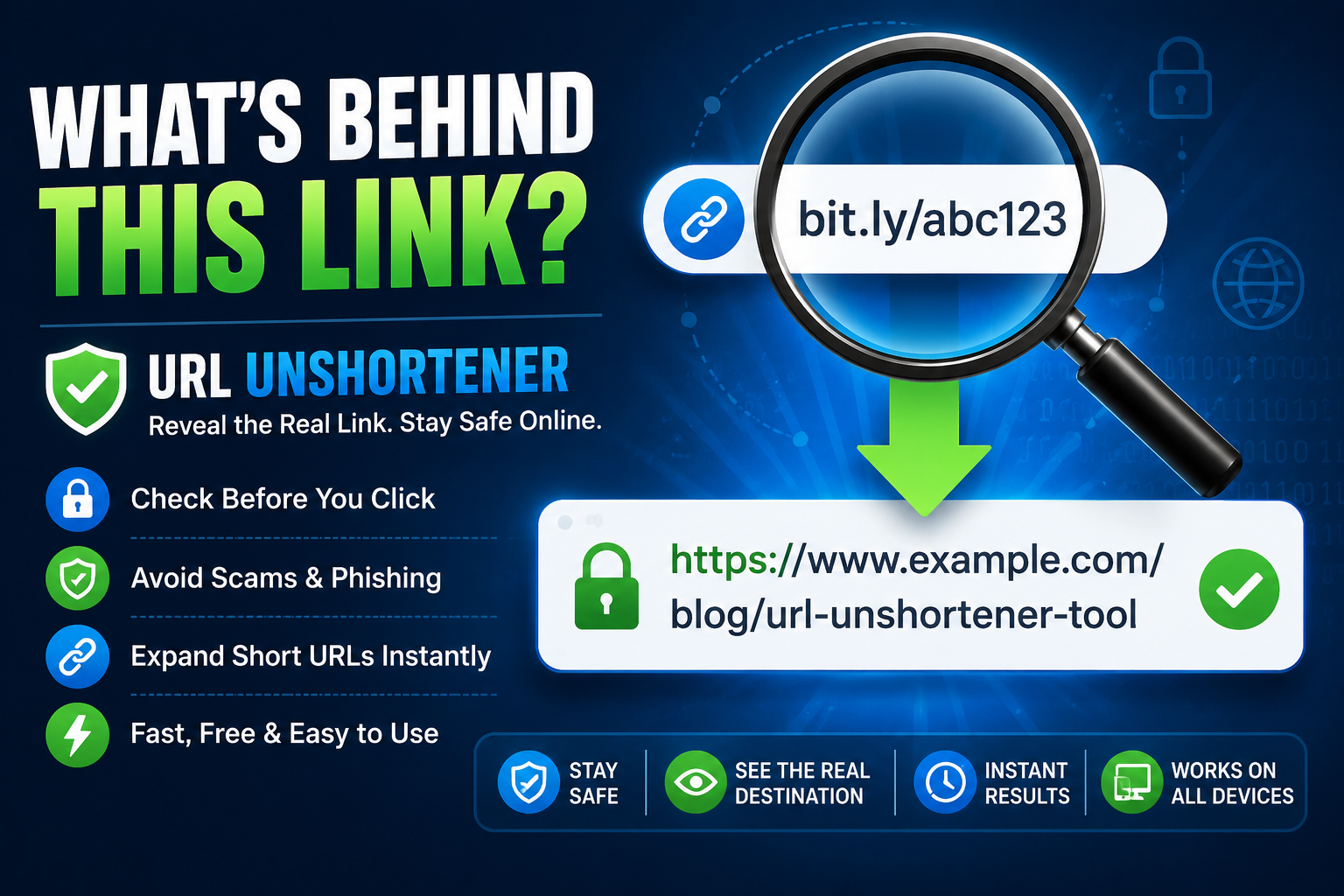
A URL Unshortener is an online tool that expands shortened URLs back to their original form. Instead of directly opening a short link, it shows you the full destination URL first.
For example:
- Short URL: bit.ly/abc123
- Unshortened URL: https://www.example.com/some-long-page-link
⚙️ How Does It Work?
URL unshorteners work by following HTTP redirects step-by-step until they reach the final destination. The process usually includes:
- Taking the short URL as input
- Checking redirect chains (301/302 redirects)
- Fetching the final destination URL
- Displaying the full link to the user
This happens within seconds, making it fast and reliable.
🛡️ Why Use a URL Unshortener?
1. Online Safety
Avoid phishing scams, malware, and fake websites.
2. Transparency
Know exactly where a link will take you before clicking.
3. Marketing Insights
Digital marketers use it to analyze affiliate and tracking links.
4. Spam Protection
Helps detect suspicious or misleading URLs in emails or messages.
💡 Benefits of URL Unshortener Tools
- ✔️ Free and easy to use
- ✔️ No technical knowledge required
- ✔️ Instant results
- ✔️ Protects against online threats
- ✔️ Works on all devices
Contact
Missing something?
Feel free to request missing tools or give some feedback using our contact form.
Contact Us