23
SSL Checker
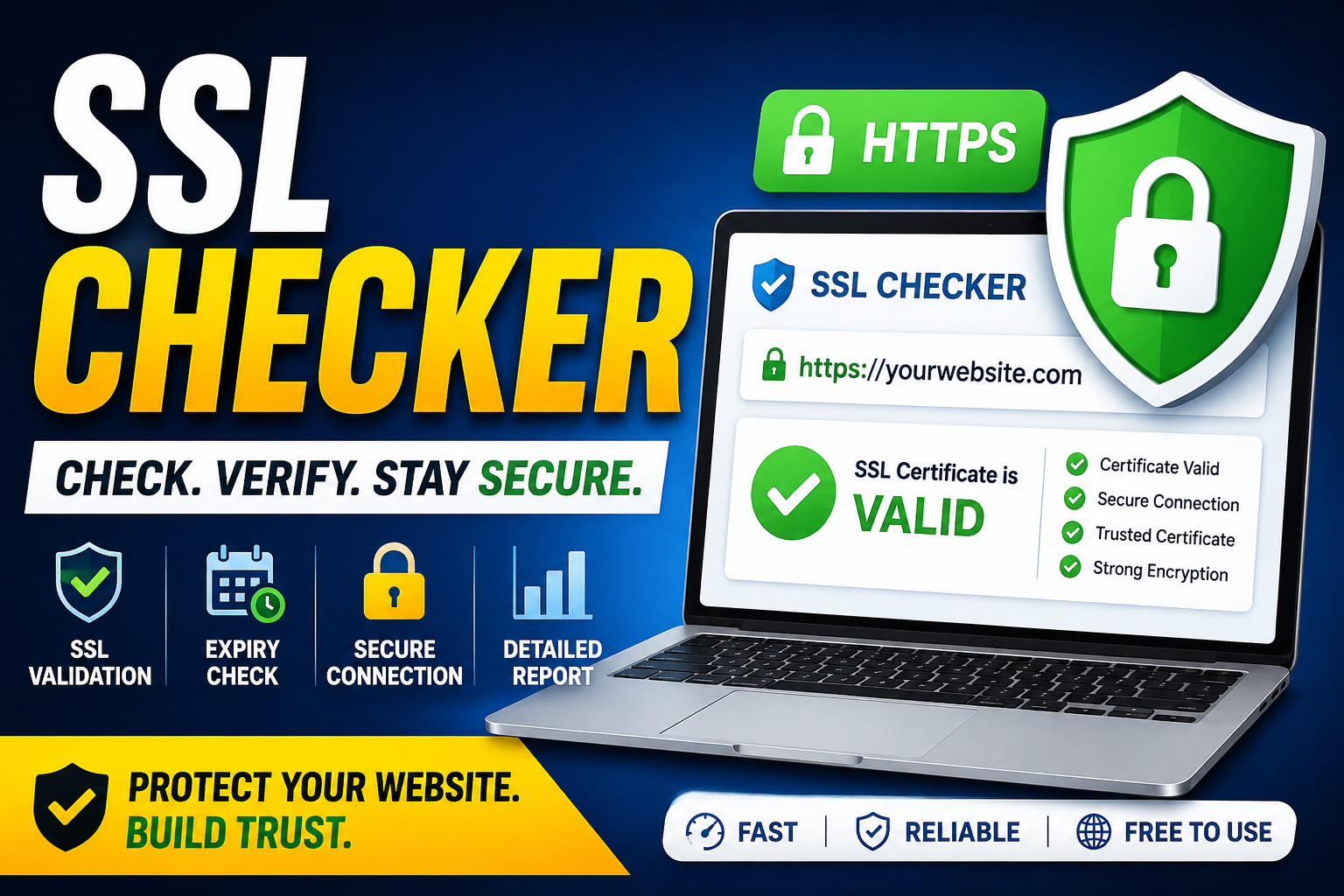
An SSL Checker is a powerful tool that helps website owners verify the validity and security of their SSL certificates. It ensures that websites use secure HTTPS connections, protects sensitive user data, and helps maintain customer trust. Regular SSL checks can prevent security issues, improve SEO rankings, and ensure smooth website performance.
In today’s digital world, website security is not optional—it’s essential. Whether you run a personal blog, an eCommerce store, or a business website, protecting user data should be a top priority. One of the most important elements of online security is an SSL certificate. But how do you know if your SSL certificate is working properly? That’s where an SSL Checker comes in.
What Is an SSL Certificate?
An SSL (Secure Sockets Layer) certificate is a digital certificate that encrypts data transferred between a website and its visitors. It ensures that sensitive information such as passwords, credit card details, and personal data remains secure from hackers and cyber threats.
Websites with SSL certificates use HTTPS instead of HTTP, and most browsers display a padlock icon next to the URL to indicate a secure connection.
What Is an SSL Checker?
An SSL Checker is an online tool that helps website owners verify the status and validity of their SSL certificates. It checks whether the certificate is installed correctly, identifies security issues, and provides important details about the certificate.
Using an SSL Checker regularly helps ensure that your website remains secure and trusted by users and search engines.
Why SSL Certificates Are Important
1. Data Encryption
SSL certificates encrypt communication between the server and the user’s browser, making it difficult for attackers to intercept data.
2. Builds Customer Trust
Visitors are more likely to trust websites that display the HTTPS padlock symbol.
3. Better SEO Rankings
Search engines like Google prioritize secure websites in search rankings.
4. Protection Against Cyber Threats
SSL helps prevent phishing attacks, data breaches, and unauthorized access.
5. Compliance Requirements
Many industries require SSL certificates to meet security and privacy standards.
Features of a Good SSL Checker
A reliable SSL Checker tool should provide the following features:
- SSL certificate validation
- Expiry date monitoring
- Certificate chain verification
- HTTPS status checking
- Domain compatibility testing
- Security vulnerability detection
- Browser compatibility reports
How to Use an SSL Checker
Using an SSL Checker is simple:
- Enter your website URL or domain name.
- Click the “Check SSL” button.
- Wait for the tool to scan your SSL certificate.
- Review the results and fix any detected issues.
The tool will typically display:
- Certificate issuer
- Expiration date
- Encryption strength
- SSL version
- Installation status
Common SSL Certificate Issues
Expired SSL Certificate
An expired certificate can trigger browser warnings and reduce user trust.
Incorrect Installation
Improper installation may cause mixed content errors or insecure connection warnings.
Weak Encryption
Outdated encryption methods can make your website vulnerable to attacks.
Missing Intermediate Certificates
Some SSL setups require intermediate certificates to establish a trusted connection.
Benefits of Regular SSL Monitoring
Regular SSL monitoring ensures:
- Continuous website security
- Better user experience
- Improved search engine visibility
- Reduced downtime
- Early detection of certificate problems
SSL Checker for Businesses
Businesses handling customer information should perform SSL checks frequently. This is especially important for:
- Online stores
- Banking websites
- SaaS platforms
- Educational portals
- Healthcare systems
A single SSL error can damage reputation and lead to loss of customer trust.
Free vs Paid SSL Checker Tools
Free SSL Checkers
Free tools are suitable for basic SSL validation and quick checks.
Paid SSL Monitoring Tools
Paid services often include:
- Automated monitoring
- Email alerts
- Advanced reporting
- Multi-domain management
- Security analytics
Best Practices for SSL Security
To maximize website security:
- Renew SSL certificates before expiration
- Use strong encryption protocols
- Enable automatic renewal if possible
- Redirect all HTTP traffic to HTTPS
- Perform regular SSL audits
Final Thoughts
An SSL Checker is a must-have tool for every website owner. It helps maintain website security, protects user data, and improves online credibility. In a time when cyber threats are increasing daily, regularly checking your SSL certificate is one of the smartest steps you can take.
If you want your website to remain secure, trusted, and SEO-friendly, make SSL monitoring a regular part of your website maintenance strategy.
Contact
Missing something?
Feel free to request missing tools or give some feedback using our contact form.
Contact Us